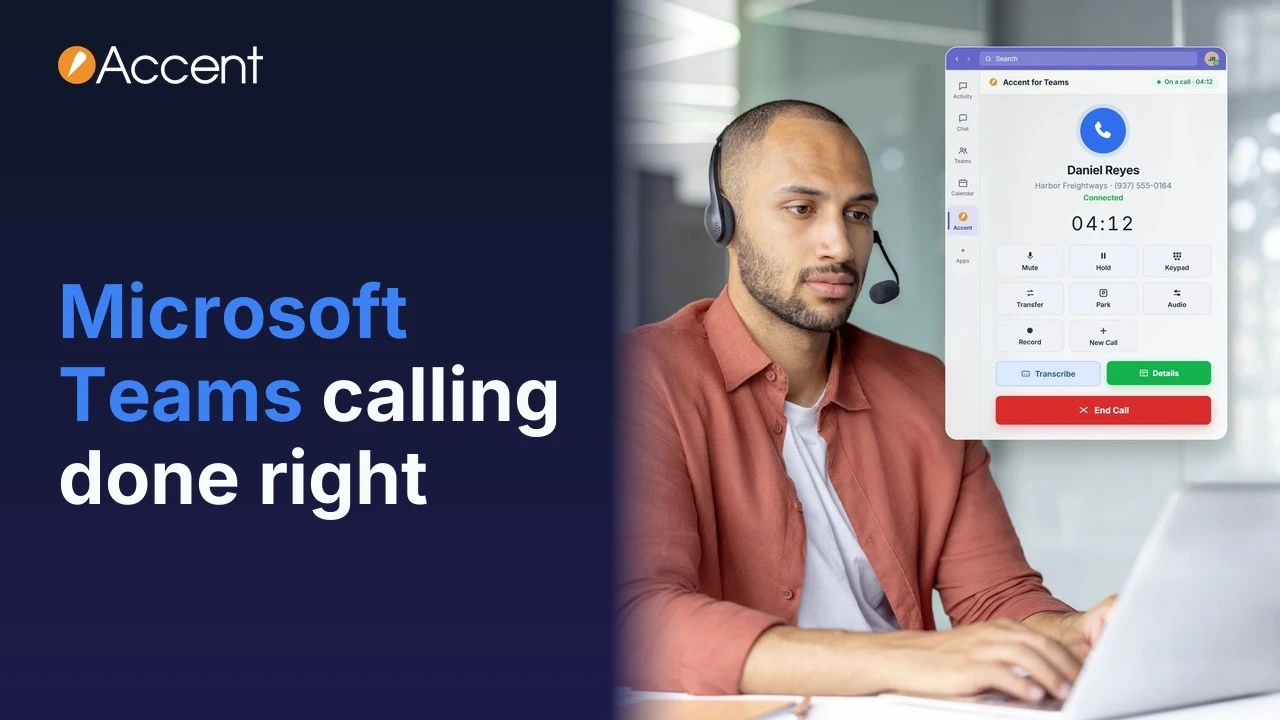
If your company lives in Microsoft Teams, your chats, meetings and files are already in one place. The phone is often the one thing still off to the side: a separate desk phone, a separate app, a separate phone system.
Two ways to call from Microsoft Teams
Recommended
Option 1
Accent for Teams
The full Accent app in a Teams tab.
- Calls, transfers and hold
- Business texting
- Call queues and operator console
- Live call transcription
No extra Teams licensing
Option 2
Direct Routing
Microsoft’s own Teams calling screen.
- Connected to Accent’s cloud phone system
Needs a Teams Phone license per user
Either way
- Keep your numbers
- Desk phones work
- Set up and supported by our U.S.-based team
Accent for Teams
Accent for Teams is a version of the Accent app built for Microsoft Teams. It lives inside Teams and it’s always there, so nobody has to leave Teams to make a call.
It’s the full Accent app in a Teams tab. From it, your people can:
- make and take live calls, transfer them and put callers on hold
- text from your business phone number
- see call queues and use the operator console
- turn on live call transcription
There's no extra Teams licensing. It works for any Accent user.
Direct Routing
With Direct Routing, Accent’s cloud phone system connects to Microsoft Teams behind the scenes. Your people use Microsoft’s own calling screen and dial pad instead of the Accent app.
The difference is licensing. Each Direct Routing user needs a Microsoft Teams Phone license, on top of the Teams licenses you already pay for. A lot of businesses would rather not add that for every person, which is why so many choose the Accent app.
Direct Routing is still a good option. We offer it, we support it, and it’s there if a fully native Teams experience matters most to you.
Needs a Teams Phone license per user
How to choose
Most businesses
Start with Accent for Teams
For most businesses, the Accent app is the place to start: no extra licenses, and the full Accent app inside Teams.
Choose Direct Routing if…
Native Teams calling is the priority and a Teams Phone license per user is fine.
Not sure which fits? We’ll help you pick.
What’s the same either way
Calls ring wherever you use Teams
Calls ring in Teams on a PC, a Mac, the mobile app or a tablet. Pick up at your desk, walk out the door and keep going on your phone.
Desk phones work
Some people still want a real phone on the desk, and that's fine. Desk phones work with either option. Say your receptionist keeps a desk phone and everyone else works from the app. Both work.
The full cloud phone system
Behind every call is Accent's cloud phone system. Calls come in through an auto attendant with your own greetings and voice menus. Hunt groups, custom schedules and holiday routing send them to the right people, and call queues hold them until someone's free. Voicemail is transcribed and sent to your email. Find me, follow me rings another phone when you're away from your desk, and managers get call recording and call reporting.
Keep your phone numbers
We port your current business numbers, so your customers call the same number they always have. It just rings in Teams now. You can add new or toll-free numbers too.
Set up and supported by our team
Whichever option you choose, Accent’s own people do the work. We set up the phone system and the Teams integration from A to Z, configure it for your business and train your team. After that, you’re talking to our U.S.-based technical support team, real people who know your setup.
See which option fits
Read more about Microsoft Teams calling with Accent, request a quote, or call us at 800-589-7379. We’ll walk through your Teams setup with you.